
AI website builders can generate an impressive homepage in minutes. But generating a screen and building a website are not the same job. A complete site also needs clear architecture, consistent navigation, responsive layouts, working forms, accessible interactions, search foundations, performance checks, and a reliable publishing process.
One prompt is not the finish line. It is the starting point for a practical build-and-review workflow.
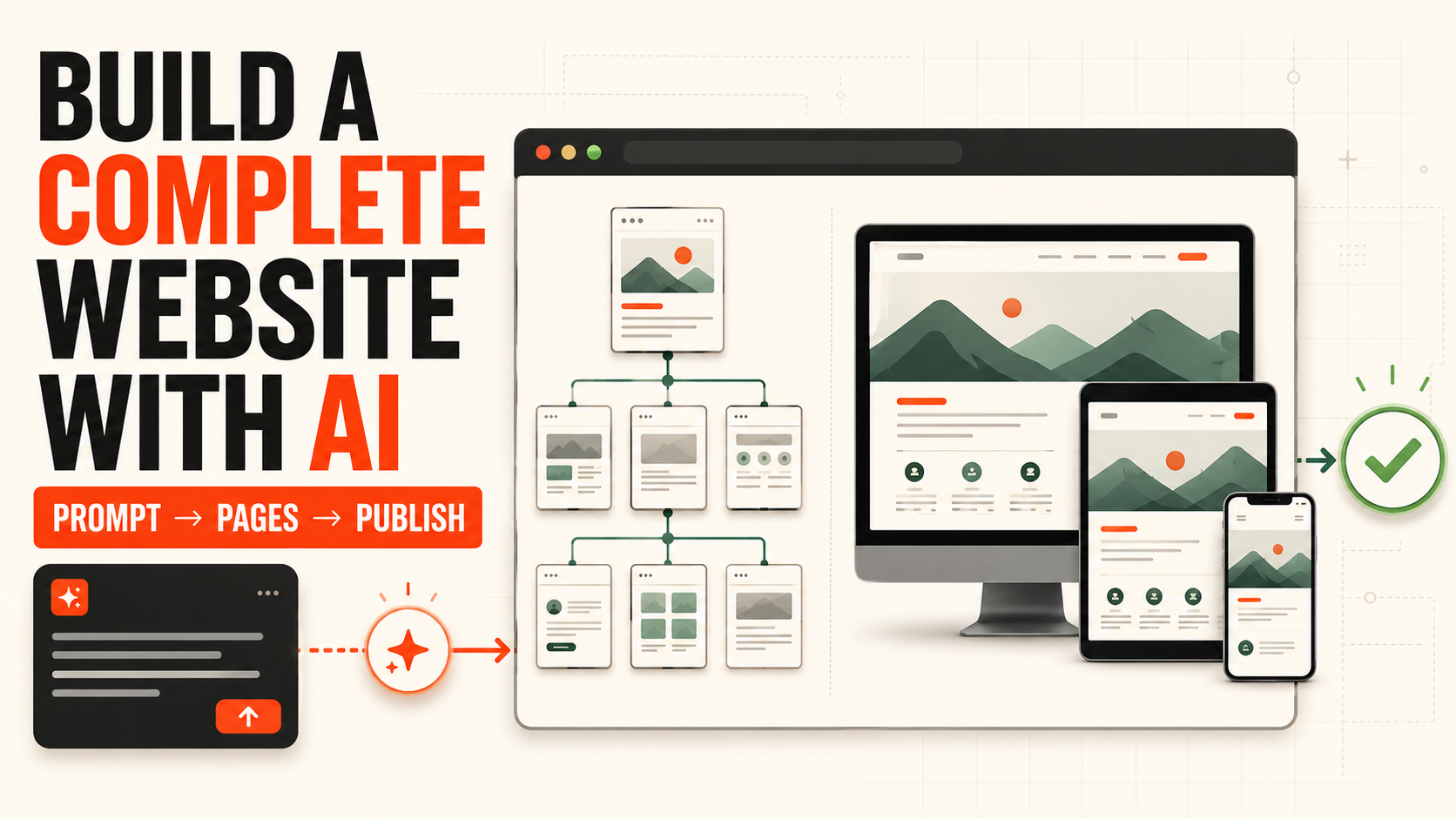
01 — DEFINEStart with a clear brief
A vague request may produce a polished-looking page, but the AI still does not know who the site is for, what it must communicate, or which action matters most. Before generating anything, define the brand, audience, offer, primary action, required pages, visual direction, existing assets, and necessary functionality.
- Who does the website represent?
- Who is the primary visitor?
- What should the website explain, sell, or promote?
- What is the one action visitors should take next?
- Which pages and functions are required?
- Which colors, copy, imagery, or brand rules must remain?
02 — PROMPTWrite the first website prompt
A strong first prompt combines six inputs: website type, offer, audience, page structure, visual direction, and conversion goal. Add hard constraints when they matter—for example, one primary call to action per page, no invented testimonials, and no important content hidden on mobile.
“Create a modern, professional company website.”
“Create a website for a consultancy that helps small businesses automate repetitive operations. The primary audience is HR and operations leaders. Include Home, Services, Case Studies, About, and Contact. Use warm neutrals, clear typography, and one primary action: book a free consultation. Every page must work well on mobile.”
Generate the structural first draft, then improve one clearly defined section at a time. Regenerating the entire site for every small change can destroy decisions you already approved.
03 — STRUCTUREPlan a real multi-page architecture
The homepage creates the first impression, but every page should have its own job. Define the reader, their question, and the next action for each page.
A multi-page site should not repeat the homepage in smaller pieces. Each page must answer a distinct question and provide a useful path forward.
04 — SYSTEMCreate consistent navigation and components
AI can make every page look individually attractive while still producing a site that feels inconsistent. Establish reusable rules before adding more pages.
Use direct navigation labels such as Services, Work, and Contact. Clearly indicate the current page, and make shared components reusable so one future change can apply everywhere.
05 — RESPONSIVEDesign for more than desktop
Responsive design is not the act of shrinking a desktop layout. It is the work of reorganizing reading order, spacing, controls, imagery, and navigation for each context.
Test the entire journey at multiple widths—not just a screenshot of the homepage. Watch for oversized headings, tiny text, incorrect stacking, clipped images, fixed elements covering controls, and long content extending beyond the viewport.
06 — FUNCTIONAdd features that actually work
A visible form is not necessarily a functioning form, and an animated button is not necessarily connected to the right destination. Test every meaningful interaction.
Verify destinations, mobile menus, dropdowns, external links, and clear active states.
Test labels, required fields, validation, delivery, success messages, and recoverable errors.
Confirm logical focus order, visible focus, comfortable targets, and no pointer-only actions.
Collect only necessary data and require confirmation before payments, deletion, or account changes.
07 — QUALITYCheck SEO, speed, and accessibility
SEO foundations
Give every page a unique descriptive title, meta description, main heading, URL, and social sharing preview. Use meaningful link text, logical headings, accurate image alternatives, and internal links that help people and crawlers understand the structure.
Performance
Compress images, use web-appropriate formats, limit font files, remove unnecessary media, avoid excessive animation, and defer non-critical resources. Test on a real mobile connection; the goal is a site visitors can reach before they lose patience.
Accessibility
Maintain sufficient contrast, visible keyboard focus, clear form labels, useful alternative text, semantic heading order, and reduced-motion support. Do not use color as the only way to communicate state.
08 — PUBLISHLaunch, then keep watching
Before launch, connect the final domain, confirm HTTPS, remove placeholders, test form delivery, create a helpful 404 page, check the favicon and social preview, install analytics, verify indexing rules, and retain a recoverable version.
After launch, repeat the primary journey on multiple devices. Monitor broken pages, form failures, slow experiences, unexpected user drop-off, and search indexing. Real use will reveal issues that a generated preview cannot.
09 — AVOIDSeven common AI website-building mistakes
Treat version one as a directional draft that still needs content, layout, and functional review.
Specify the section to change and the approved elements that must remain.
Visitors can enter through any service, article, or case-study page.
Replace phrases like “unlock potential” with specific offers, evidence, and next steps.
Test reading, navigation, forms, and actions—not merely viewport fit.
Verify people, numbers, testimonials, partners, prices, and legal claims.
Animation and decoration should never weaken speed, reading, or control.
10 — VERIFYAI website launch checklist
Content & Structure
- Every page has one clear purpose
- Navigation labels are consistent
- No duplicated or invented content
- Contact details and CTAs are correct
- Every page offers a useful next step
Responsive Design
- Desktop, tablet, and mobile checked
- Text remains comfortable to read
- Images crop correctly
- Controls work by touch
- No horizontal overflow
Functionality
- Internal and external links work
- Forms submit successfully
- Success and error states are clear
- Menus and dialogs are operable
- Consequential actions need confirmation
SEO & Sharing
- Unique title and description per page
- Short, descriptive URLs
- Logical heading hierarchy
- Image alternatives completed
- Social preview verified
Quality & Publishing
- Images and media optimized
- Primary actions work by keyboard
- Domain and HTTPS are correct
- Analytics and error tracking enabled
- A recoverable version exists
Frequently asked questions
Short answers to the practical questions that come up between the first prompt and launch.
Can one prompt really create a complete website?
It can create a useful starting direction, but it rarely completes accurate content, multi-page structure, responsive behavior, testing, and publishing settings in one pass. Generate the foundation, then review the site in controlled stages.
Do I need to know how to code?
Not necessarily. Natural-language and visual tools can handle much of the build. Understanding structure, responsive design, SEO, accessibility, and how web forms work still helps you judge whether the result is ready.
Can I publish AI-generated copy directly?
Review it first. Verify services, prices, names, numbers, case studies, legal text, contact details, and every claim. AI copy is a draft; the brand remains responsible for what is published.
Should I generate the whole site or work page by page?
Start with the overall architecture, shared navigation, and design system. Then improve each page individually. This preserves consistency while making omissions easier to catch.
How do I know the website is ready to launch?
Launch when content is accurate, primary journeys work, the site is usable across devices, and SEO, performance, accessibility, privacy, analytics, and recovery have all been checked. Continue monitoring after release.
11 — IMPROVEAI accelerates the first version—not the responsibility
AI dramatically shortens the distance between an idea and a working first draft. It does not remove the need for planning, design judgment, testing, and maintenance.
The most reliable workflow is simple: define the objective, let AI accelerate structure and iteration, then have a person verify the content, experience, and publishing quality. One prompt can make a site take shape. A clear system and continuous improvement make it a website people can actually use.
Explore more Website Building guides
Continue with practical workflows for responsive layouts, multi-page systems, publishing, and AI-assisted website creation.
Back to Website Building →