
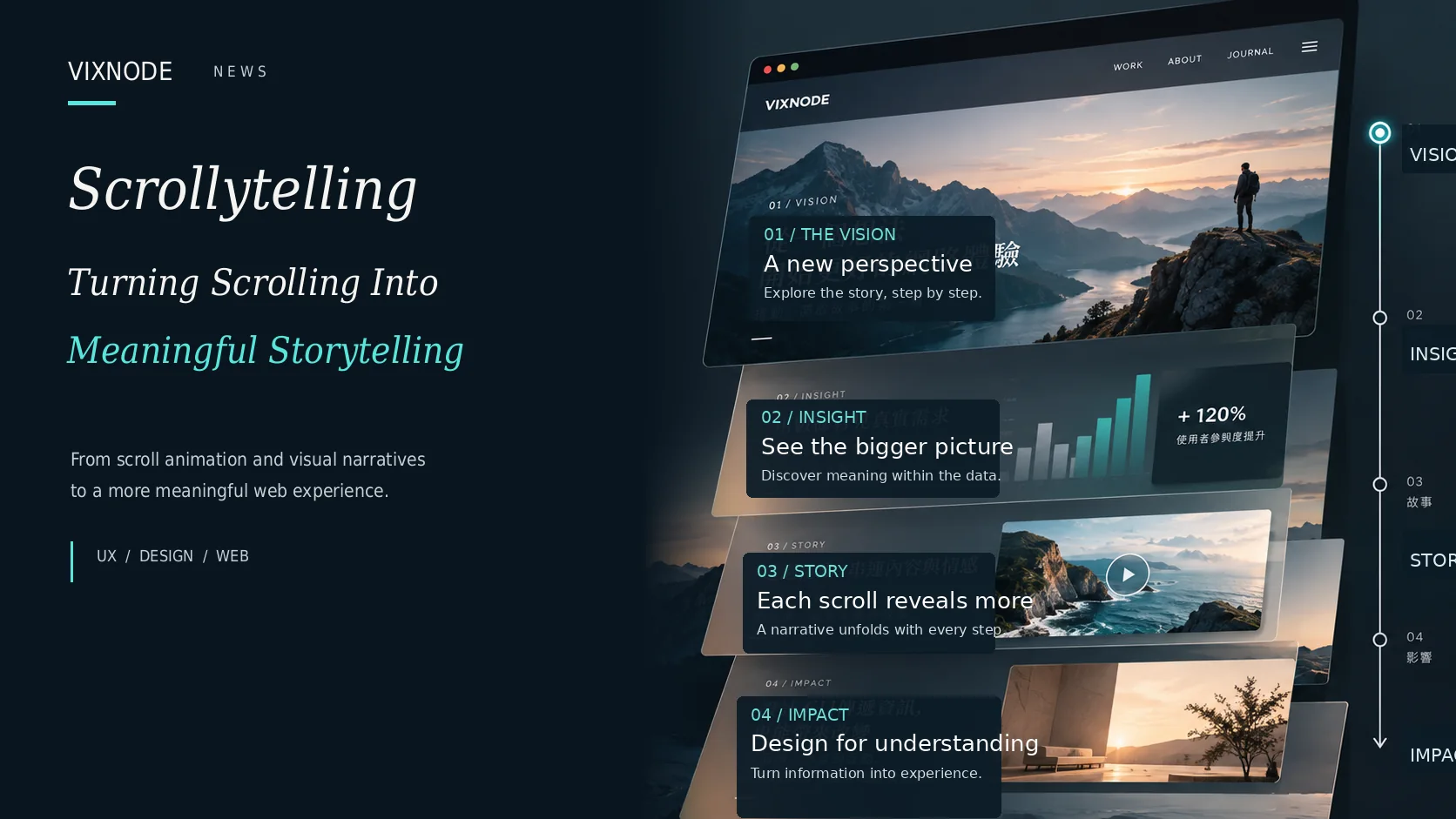
Scrolling is usually how people move from one paragraph to the next. But some websites use the act of scrolling to change a chart, reveal a scene, or shift the viewer’s focus. That is scrollytelling: a way of making reading progress part of how a story unfolds.
Effective scrollytelling is not just fading objects in, zooming into photographs, or adding parallax. Each transition should bring the reader closer to understanding an idea. If a scene changes without revealing anything useful, the motion is decoration rather than narrative.
Every scroll should advance understanding—not merely move the screen.
01 | What Is Scrollytelling?
A content and interaction design approach in which the reader’s scroll position controls the sequence of information, visual states, and narrative emphasis. It is not a single animation technique.
A conventional page places information in a linear order. Scrollytelling takes a further step: a map, diagram, or visual scene can evolve as the reader progresses. Consider a city population map that starts with the big picture and then highlights change decade by decade. The reader does not need to mentally compare a collection of separate charts.
Scroll animation is a tool; scrollytelling is the purpose. An animated element can support a story, but motion alone does not create one.
02 | Write the Story Before Planning the Motion
Start with one question: “What should readers understand when they leave this section?” A useful narrative can be structured in five stages:
1. Hook: Spark a Question Worth Exploring
Opening visuals should establish curiosity, not disclose every conclusion at once. In a story about ocean pollution, one powerful image and a clear question can provide motivation to keep reading.
2. Context: Supply the Necessary Background
Offer a compact explanation, a few relevant figures, or a map before beginning a complex animation. Without context, viewers may see change without understanding what is changing.
3. Progression: Reveal One Meaningful Step at a Time
Break complicated evidence into observation, comparison, change, and impact. Each transition should build on the previous section, not simply repeat another entrance effect.
4. Insight: Make Space for the Central Finding
At the key moment, slowing down—or removing motion altogether—can focus attention. A quiet, clear frame may explain more than another elaborate transition.
5. Resolution: Give the Story Somewhere to Land
Conclude with a synthesis, a source, related reading, product information, or a meaningful next action. An experience should not end merely because the animation sequence has finished.
03 | Five Scrollytelling Patterns That Serve a Purpose
Pattern 1: Sticky Visual with Scrolling Text
Keep a chart or illustration in place while narrative text moves alongside it. The stable visual reference helps readers compare successive stages, especially in data journalism, technical explainers, and product architecture stories.
Design demonstration | One chart, three points of view
Establish the overall trend before introducing detail.
Make the differences between stages easier to notice.
Focus on the core insight instead of adding another effect.
CSS-only reading demonstration: a sticky visual on larger screens, and a natural reading sequence on mobile.
Pattern 2: Progressive Reveal
Begin with a simple structure, then introduce product parts, data flows, or layers one at a time. Readers learn the foundation before tackling the complete system.
Pattern 3: Visual Transformation
Transform one representation into another—such as points assembling into a chart—while preserving recognizable connections. Readers should be able to track what happened to the same objects.
Pattern 4: Spatial Journey
Maps, architecture, photography, and changing viewpoints can communicate the feeling of moving through a place. This works for history, geography, or architectural storytelling, provided camera movement remains gentle.
Pattern 5: Chapter-Based Storytelling
Give a long article distinct chapters. Photography sets a scene; charts present evidence; carefully edited prose delivers interpretation. Variety creates rhythm, so not every section needs the same animation.
04 | Real-World Inspiration: Visual Journalism and Products
The Pudding publishes visually driven stories about culture and society, often combining narrative text with exploratory graphics and data. The useful lesson is to start with a question worth explaining, then choose visual states that help answer it.
Product websites can apply the same thinking to explain hardware layers, production processes, or a complex feature. However, a shopper who needs to compare prices or specifications should not be forced through an immersive animation before reaching essential facts.
Practical test: If the story remains clear without motion, it has a solid informational foundation. Animation earns its place only when it makes relationships or changes genuinely easier to grasp.
05 | Implementation: From CSS Sticky to Scroll-driven Animations
Some compelling scrollytelling experiences need only semantic HTML, CSS Grid, and position: sticky. For more detailed effects, CSS Scroll-driven Animations can connect animation progress to a scroll position without continuous JavaScript scroll listeners.
In a browser that supports the feature, this example lets a reading-progress indicator grow as the page moves:
.reading-progress {
  transform-origin: left;
  animation: grow linear both;
  animation-timeline: scroll(root block);
}
@keyframes grow {
  from { transform: scaleX(0); }
  to   { transform: scaleX(1); }
}
Build the readable, non-animated document first, then progressively enhance it. Check support in the browsers your visitors actually use. Consult the MDN Scroll-driven Animations guide and animation-timeline reference.
06 | Mobile Is Not a Miniature Desktop Animation
A side-by-side composition with a sticky graphic may work on a desktop and consume the entire screen on a phone. On smaller displays, place explanations near their relevant visual, reduce extensive parallax, and preserve natural scrolling. Recompose the experience rather than shrinking it.
The goal is identical access to the story and information, not identical transitions at every viewport size.
07 | Performance and Accessibility Are Part of the Narrative
- Respect reduced motion: support
prefers-reduced-motion. Reduce zooming and camera movement without removing essential information. - Preserve keyboard access: avoid scrolljacking that blocks skipping, returning, or navigating normally.
- Keep semantic content: important findings belong in readable HTML, not only in Canvas or an animation state.
- Protect performance: size images appropriately, lazy-load below-the-fold media, and prefer lightweight transforms and opacity changes.
See web.dev’s guidance on accessible motion for additional design considerations.
08 | A Practical Scrollytelling Planning Checklist
| Story phase | Reader question | Visual approach |
|---|---|---|
| Opening | Why does this matter? | Question and contextual image |
| Context | What should I know first? | Key facts and short explanations |
| Development | What changed? | Progressive reveal |
| Comparison | What is different? | Sticky chart and scrolling text |
| Insight | What is the main takeaway? | Fewer effects, stronger focus |
| Ending | What can I do next? | Summary and further links |
For every proposed transition, ask: Would the reader understand less if we removed it? If not, the transition may not be necessary.
Frequently Asked Questions
How is scrollytelling different from parallax scrolling?
Parallax is a visual technique in which layers appear to move at different speeds. Scrollytelling organizes the reveal of information through reading progress. It may use parallax, but it does not require it.
Is scrollytelling appropriate for every website?
No. It is valuable when explaining complex ideas, transformations, or stories. Transactional tasks such as buying, searching, or completing forms often benefit more from straightforward interfaces.
Does scrollytelling affect SEO?
Not inherently. But important information hidden solely in Canvas or animation states may be difficult to interpret or index. Use semantic HTML, meaningful headings, and accessible alternatives.
Do I need JavaScript to create scrollytelling?
Not always. CSS Sticky can support simple narrative layouts, while Scroll-driven Animations support more advanced motion in compatible browsers. Complex interactive data may require JavaScript.
How should we measure success?
Measure whether readers understand the core idea, can complete their intended task, and have an effective experience on mobile and in reduced-motion modes—not just time on page or number of animations.
Conclusion | Make the Story Memorable, Not the Effect
Scrollytelling works when the sequence of information is intentional. Mature design knows when a visual should move, and when it should stay still. As animation becomes an explanatory tool rather than decoration, scrolling becomes a meaningful storytelling experience.
Great scrollytelling leaves readers remembering the insight, not the technology.