
PRACTICAL GUIDE
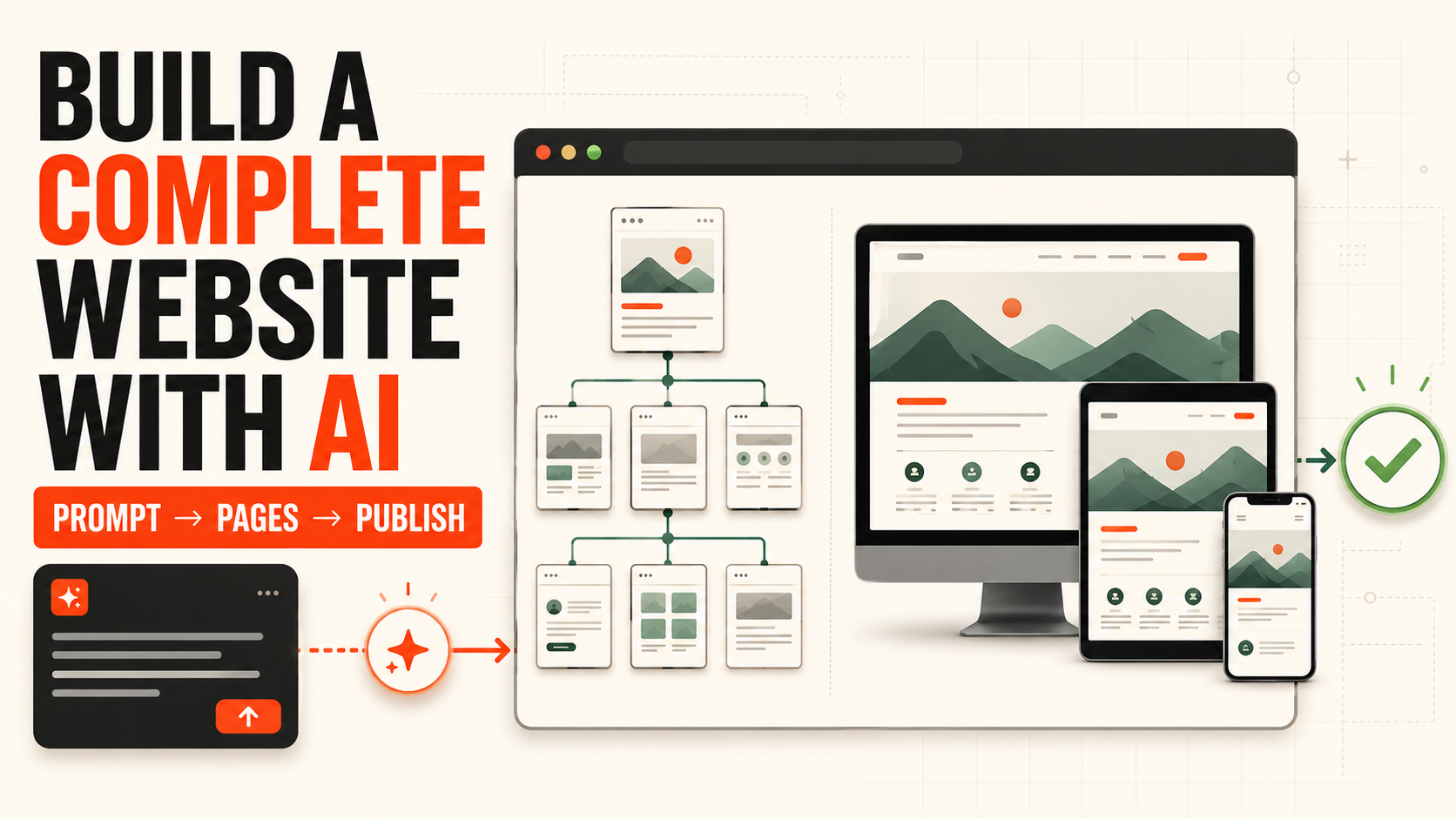
How to Build a Complete Website with AI
Start with the first prompt, then move through multi-page structure, responsive testing, launch checks, and publishing.
Read the guide →Layouts, responsive design, multi-page structure, publishing, and practical ways to rethink CMS, content, Static HTML, and release workflows for AI-era websites.
AI website building is no longer just about producing a first screen in seconds. This section covers the full path from planning and page structure to responsive design, testing, and the architectural shift from traditional CMS stacks toward AI-assisted authoring, Static HTML, and modern publishing workflows.
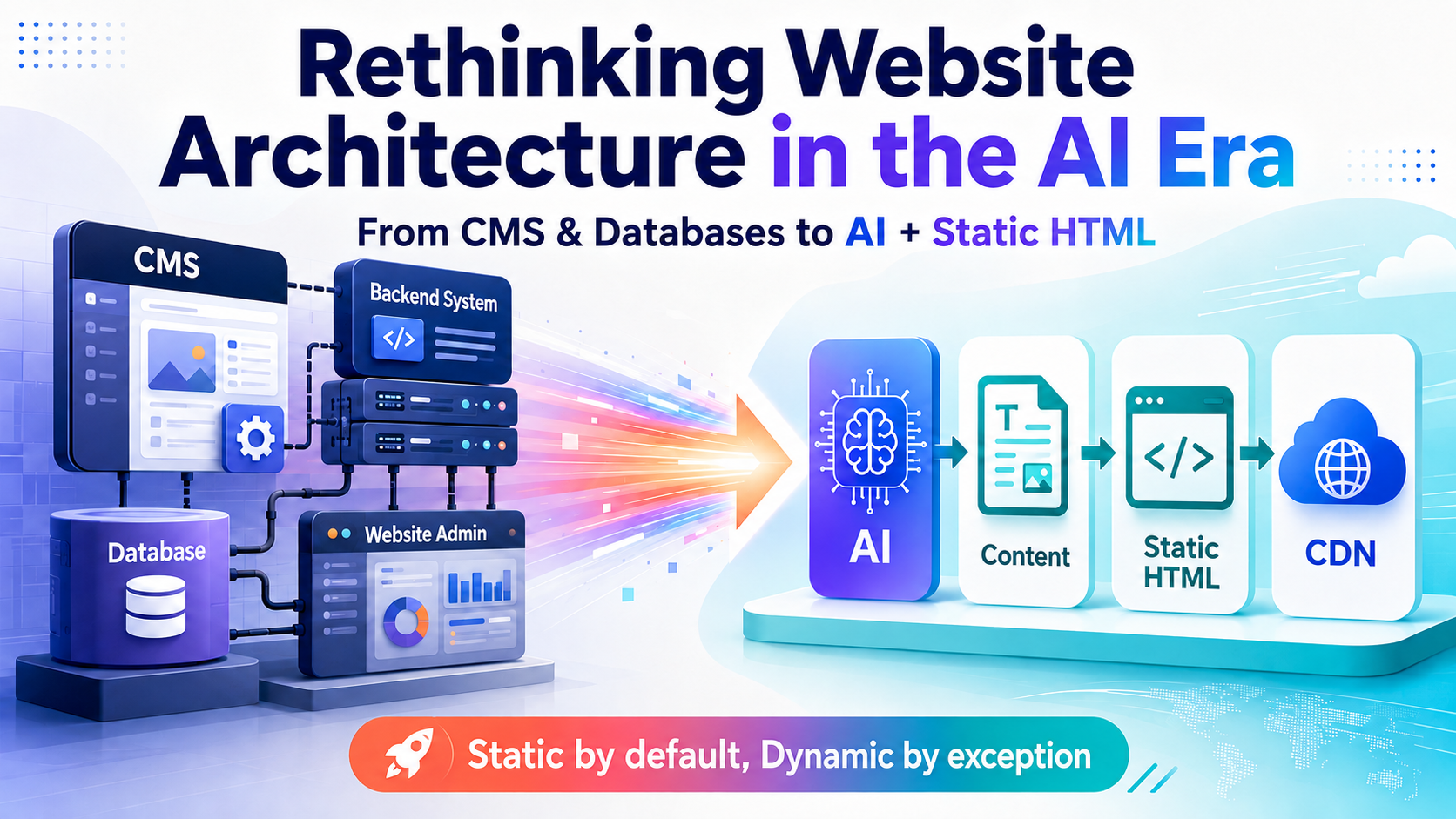
Move from runtime-heavy CMS, backend, and database stacks toward AI Agents, structured content, Static HTML, and CDN delivery. Learn what can become static-first and what should remain dynamic.
Read the feature →Start with the first prompt, then move through multi-page structure, responsive testing, launch checks, and publishing.
Read the guide →Rethink authoring, build, runtime, multilingual publishing, and the boundary between static and dynamic features.
Read the feature →Translate goals, audiences, required pages, and brand constraints into a useful build brief.
Plan navigation, shared layouts, content sources, and reusable components so the site can scale cleanly.
Adapt reading order, spacing, imagery, menus, forms, and controls across real viewport sizes.
Connect preview, diff, validation, Static HTML, CDN delivery, and dynamic APIs where they are actually needed.
Define the audience, offer, content, pages, assets, and desired action.
Decide page structure, shared layouts, structured content, and which functions need dynamic data.
Use AI to generate pages, revise content, synchronize languages, and maintain consistency.
Review layouts and interactions on desktop, tablet, and mobile.
Check links, accessibility, SEO, diffs, content rules, and the production preview.
Deploy Static HTML to a CDN and connect APIs or dynamic services only where live state is required.
This category will continue to cover site architecture, responsive layouts, interactive features, AI authoring, publishing, and maintenance without inventing placeholder articles.