
ChatGPT × VIXNODE Plugin Integration
Create and manage your website through natural conversations with ChatGPT. VIXNODE helps plan your website, build pages, refine designs, and publish updates.
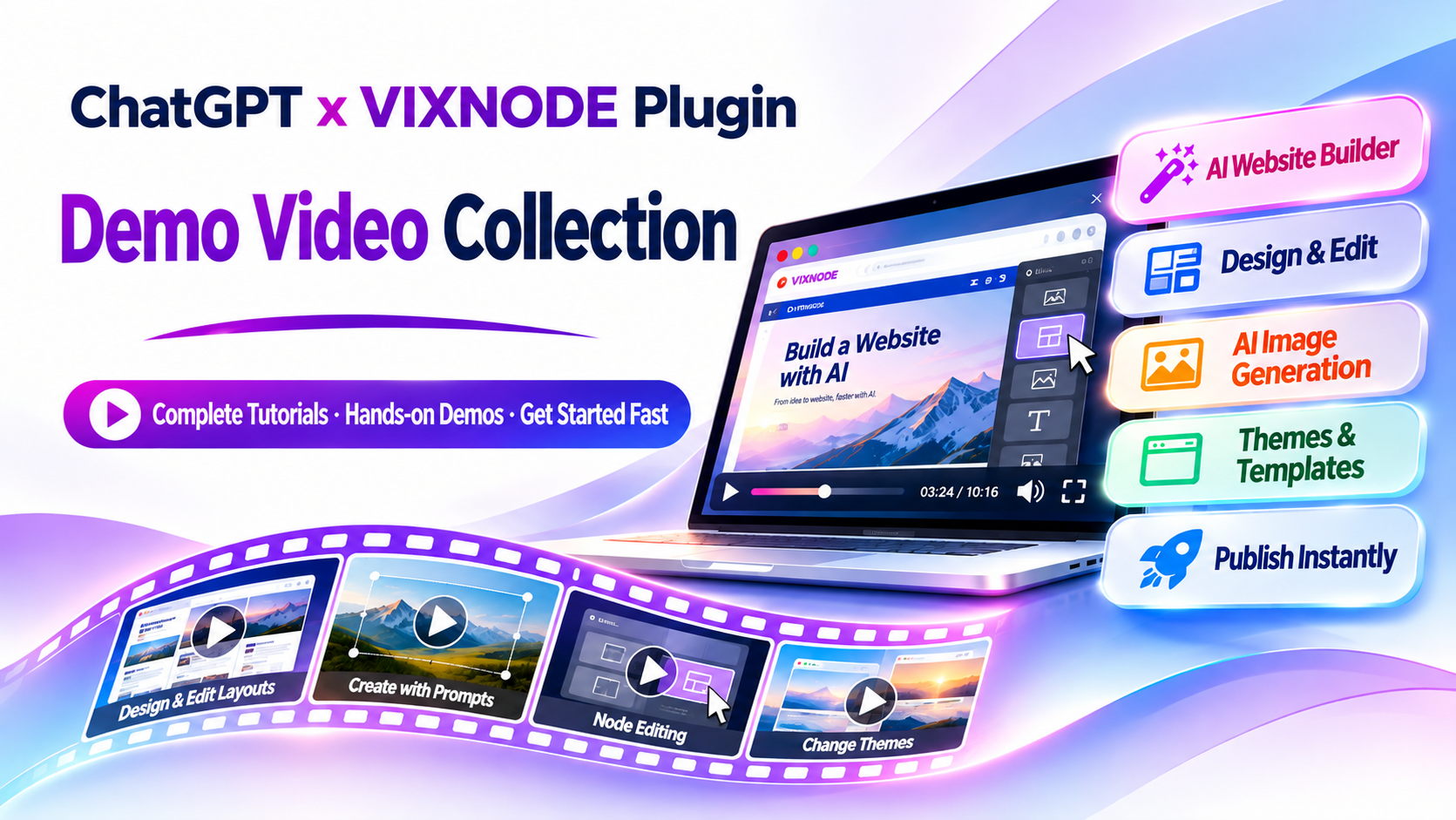
Explore all 20 official VIXNODE demonstration videos. Follow a structured learning path from ChatGPT × VIXNODE Plugin and AI-powered website creation to content editing, SEO, publishing, and API data integration.
1 videos
Create and manage your website through natural conversations with ChatGPT. VIXNODE helps plan your website, build pages, refine designs, and publish updates.
4 videos
Start with a blank website or sample template. Create pages using image recognition, text prompts, imported webpage files, or a source URL.
See how to adjust layouts and theme colors in VIXNODE or directly through ChatGPT.
Learn to generate web pages from natural-language prompts, using VIXNODE and ChatGPT.
Turn reference images and text instructions into web pages with VIXNODE and ChatGPT.
5 videos
Use natural-language instructions in VIXNODE or ChatGPT to edit individual webpage elements.
Ask AI to explain a selected element node or answer questions about the node and related page details.
Generate new webpage element nodes using text prompts.
Use AI prompts to write, revise, or improve website copy.
7 videos
Use AI to configure page titles, descriptions, structured data, and other SEO information to improve search visibility.
Control when a published page appears or is hidden by specifying its public status, start time, and end time.
Review previous webpage changes and restore an earlier version when you need to recover content.
Invite collaborators, create roles, and configure permissions for effective website management.
View, update, or remove webpage and API data-source files from the published-file management area.
Schedule project bandwidth limits, monitor usage, and temporarily disable access to published pages when a limit is reached.
3 videos
Upload and organize images, videos, documents, and other assets in folders, then insert them into your pages.
Set up an API URL and authorization, create an external data source, and bind webpage elements to data retrieved from the API.
Filter and locate webpage nodes, and review, edit, remove, or upload externally referenced resources.
Start with “Create a Website / Add New Web Pages,” then watch the tutorials on prompt-based page creation, layouts and themes, and AI-assisted element editing.
Watch the featured “ChatGPT × VIXNODE Plugin Integration” tutorial to learn how to build, edit, and publish with natural-language conversations. See the official MCP documentation for setup details.
No. Click a video thumbnail to open its YouTube player in a popup. Each video also has a direct YouTube link if embedded playback is restricted.
Browse Publishing & Website Management for tutorials covering AI-powered SEO metadata, custom domains, published page scheduling, revision history, and published file management.
Use the linked official documentation to practice each workflow, then create, manage, and publish your own AI-powered website with VIXNODE.