
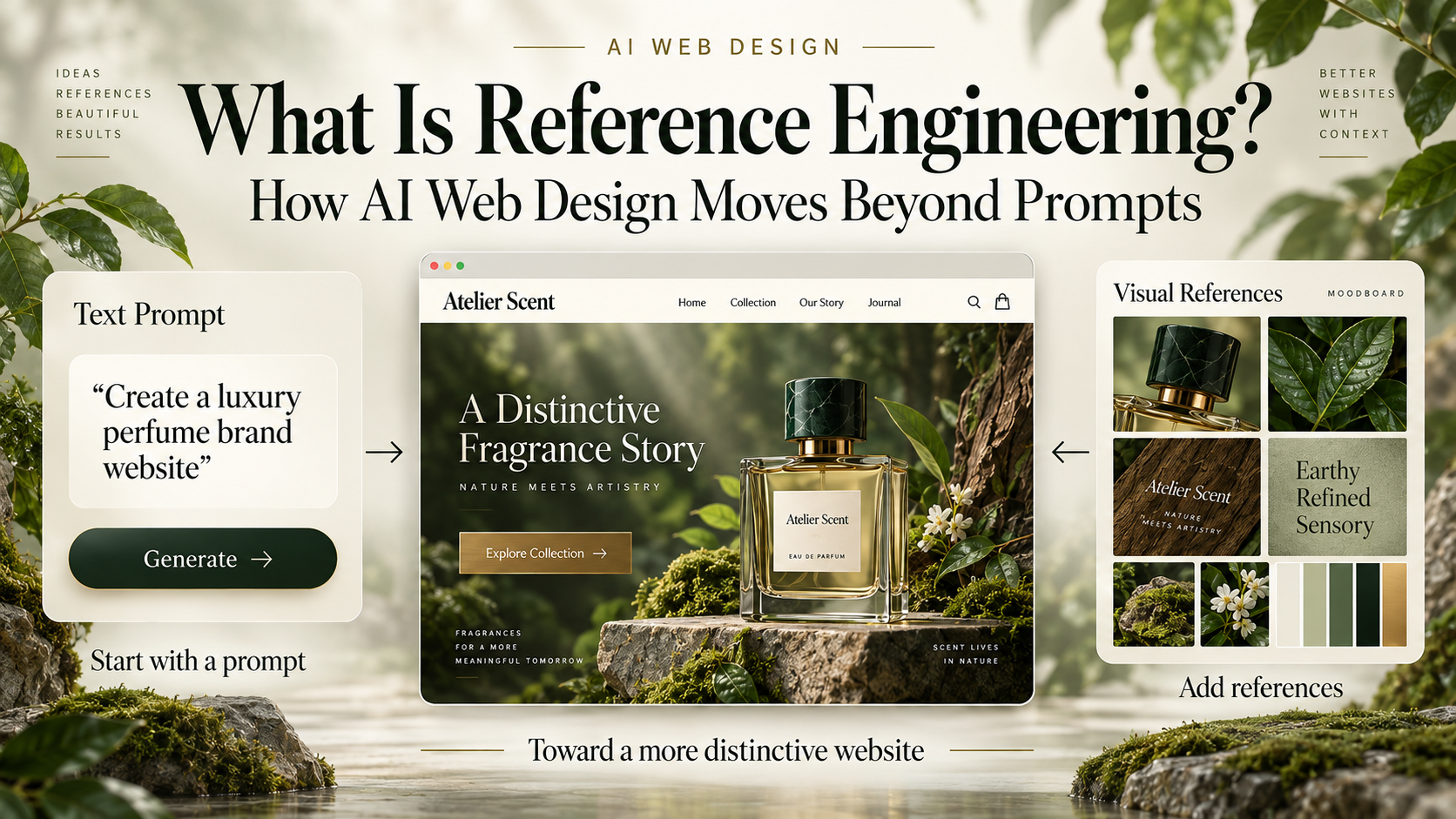
For years, AI website workflows have focused on prompts: how to describe the layout, the style, the features, and the tone clearly enough for a model to generate something usable. But as AI can now produce complete interfaces, understand screenshots, edit front-end code, and iterate with coding agents, the bottleneck is shifting.
Prompts can describe a need, but not always a taste
A prompt like “build a modern, professional, premium AI website” sounds reasonable, yet it leaves dozens of visual decisions unresolved: type personality, density, composition, image treatment, motion rhythm, spacing, card usage, and mobile behavior. When those decisions are unspecified, AI tends to fall back to familiar, safe visual averages.
That is why many generated sites converge on the same patterns. The problem is not simply that AI cannot design. It is that too much of the design space is still being left for the model to guess.
From Prompt Engineering to Context—and then references
These layers are complementary. Even if an AI system knows that a brand should feel “rational but experimental” or “luxurious but natural,” it may still not know what those phrases should look like in practice. Concrete references help reduce that ambiguity.
Reference is not cloning: decompose before you use
The simplest reference workflow is to show a screenshot and say, “make it like this.” But a screenshot contains many intertwined decisions. A stronger workflow separates the pieces:
- Composition: hero proportions, asymmetry, and hierarchy.
- Typography: heading scale, weight contrast, line length, and density.
- Motion: scroll rhythm, transitions, and pacing.
- Interaction: navigation, hover behavior, cursor treatment, or state changes.
- Materials: photography, texture, 3D, shaders, and image treatment.
- Information density: whitespace, section rhythm, and visual breathing room.
- Responsive behavior: how the design reorganizes on mobile instead of simply stacking desktop sections.
A final website does not need to resemble one source. One reference can inform composition, another typography, another motion, while the brand and UX context determine how those ingredients are synthesized.
Codrops Creative Hub as a reference library
Resources such as Codrops Creative Hub become especially valuable in AI coding workflows because they do more than provide inspiration. They surface interaction ideas, creative-web techniques, and implementation clues across tools such as Three.js, WebGL, WebGPU, GSAP, shaders, typography experiments, and scroll-driven effects.
The question therefore changes from “how do I reproduce this effect?” to “which part of this effect is useful, where should it be applied, and how can it be rebuilt to fit my own brand, architecture, accessibility, and performance requirements?”
A five-step Reference Engineering workflow
Select
Choose references for a reason. Identify whether each one is useful for composition, typography, motion, interaction, materials, or responsive behavior.
Decompose
Break a whole website into specific design signals instead of treating it as one indivisible “style.”
Constrain
State what should not be inherited. Borrow the asymmetric layout, for example, but not its color palette or brand assets.
Synthesize
Combine brand context, content, UX rules, visual references, and technical constraints into a new direction.
Validate
Compare the result against the intended reference traits and test whether the direction still holds on mobile, with real content, and across interaction states.
Negative references matter too
A mature reference brief does not only say what to borrow. It also says what to avoid. This prevents AI from interpreting a source as a template and copying unrelated traits such as palette, branding, or complete scene structure.
Negative references are also where art direction becomes more explicit: “use this transition principle, but not this neon palette,” or “borrow this editorial density, but not the brutalist styling.”
Licensing, performance, and over-referencing
Reference does not mean unrestricted reuse. External demos, code, images, fonts, and assets can have their own licenses, and visible source code does not automatically mean it can be copied into commercial work.
Creative-web demos can also push browser capabilities to their limits. WebGL, WebGPU, physics, shaders, and heavy post-processing may be excellent references for experimentation but inappropriate for a production brand site unless performance, accessibility, and device constraints are considered.
More references are not always better either. Too many contradictory sources can increase ambiguity instead of reducing it.
From inspiration folder to AI-ready Design Reference System
A future-ready reference library may contain more than a URL and screenshot. It can record reference type, what to borrow, what to avoid, typography, palette, motion, implementation hints, applicable project types, and performance notes.
At that point, an inspiration collection becomes something more useful: a structured design reference system that AI can interpret, combine, and validate against.
FAQ
Is Reference Engineering an established AI industry term?
Not in the sense used here. This article uses the term as a practical framework for a design workflow that is becoming increasingly relevant as multimodal models and coding agents work with visual references.
Is Reference Engineering the same as Screenshot-to-Code?
No. Screenshot-to-Code focuses on reconstructing an interface. Reference Engineering focuses on why a source was selected, which aspects should be borrowed, how multiple sources should be combined, and what must not be copied.
Can I use multiple references at the same time?
Yes. In fact, assigning distinct roles to different references can be more flexible than relying on one website. The key is to state what each source is responsible for.
Are more references always better?
No. Contradictory or poorly prioritized references can create more ambiguity. Selection, decomposition, constraints, and priority matter more than quantity.
Does using another website as a reference create copyright issues?
Studying design principles is different from copying code, imagery, branding, or complete visual expression. When using external assets, source code, fonts, or demos, review the original license and usage terms.